Purpose
Simplify complexity through design.
01 · Who we are
Founded in 2006, 2026 marks our twentieth year. Rooted in Cape Town, South Africa, working with clients worldwide. Our purpose is simple: simplify complexity through design.
Simplify complexity through design.
A globally respected creative studio known for intelligent design, consistent quality and meaningful client relationships.
Create design that is purposeful, precise and impactful by combining strategy, creativity and technical expertise.
Design must communicate clearly, every decision removes noise.
Aesthetic follows purpose, design must work before it impresses.
Attention to detail is non-negotiable.
Strong systems create strong brands.
Clients are collaborators, not just customers.
Design should endure, timeless not trend-driven.
02 · Identity
The wordmark comes as clean SVG in every layout, style and colourway. SVG is the primary format now, grab whichever fits your background. Beige is the one used live in the site footer.















03 · Signature
The signature graphic set. The red fingerprint is the key Sorted symbol, the hero graphic. Grab any of them as SVG.





04 · Palette
The full 2026 palette. OKLCH is canonical, the hex is the practical, email-safe equivalent. Click any swatch to copy its hex.
05 · Type
Antonio for display, Lato for everything else. Antonio big, tight and condensed for headlines; Lato for body and UI.
font-family:'Antonio',sans-seriffont-family:'Lato',sans-serifDisplay 76
Simplify complexity
Heading 52
Future-forward, precise
Heading 36
Editorial and kinetic
Heading 26
Confident but controlled
Body 18 · Lato
Lato carries the reading. Set at a comfortable size with generous line height, it keeps long-form copy calm and legible while Antonio does the shouting in the headlines.
<link rel="preconnect" href="https://fonts.googleapis.com">
<link rel="preconnect" href="https://fonts.gstatic.com" crossorigin>
<link href="https://fonts.googleapis.com/css2?family=Antonio:wght@400;500;600;700&family=Lato:wght@300;400;700&display=swap" rel="stylesheet">
font-family:'Antonio',sans-serif; /* headings */
font-family:'Lato',sans-serif; /* body / UI */The full Lato weight set for design tools and self-hosting. Antonio is a Google Font, get it there.
06 · Tone
Confident but not loud. Intelligent but not complicated. Creative but controlled. Professional but approachable. Strategic but flexible.
Design and Logic had a love child.
You have landed in the studio list, which means one of three things: you like design, you have good taste, or an obnoxious friend added you without asking. If it is the last one, we do not apologise.
It is our twentieth year in business: design, crying, making things pretty, making logos bigger, and making things work and make sense.
No noise. No filler. No fourteen emails a week. Just the good stuff.
07 · Illustration
A marker-drawn, playful set. Use it on paper backgrounds, keep the existing colours, and treat it as punctuation and energy, not wallpaper. Click a name to filter, then grab the file.
Need a new illustration in this style? Paste the prompt below into ChatGPT (with image generation on), and attach one of the illustrations from this library as a reference image so it matches. Then swap in what you want it to draw.
Create a single illustration in the exact style of the attached reference image: a bold, hand-drawn marker and brush-pen sticker illustration. Use loose, energetic ink strokes with rough, textured edges, like a thick marker on paper. Keep a flat, limited palette using only these brand colours: navy #0b2030, red #e11f3d, green #00f561, yellow #ffc700, sky blue #89b4d3 and warm paper #f4f0e7. Scatter small hand-drawn details around the subject for energy: tiny x marks, dots and paint splatters. Transparent or paper (#f4f0e7) background, one centred object, no photorealism, no gradients, no drop shadows, no 3D. Confident, playful, graffiti-sticker feel. Draw: [describe your subject here, for example a rocket, a handshake, a lightbulb].


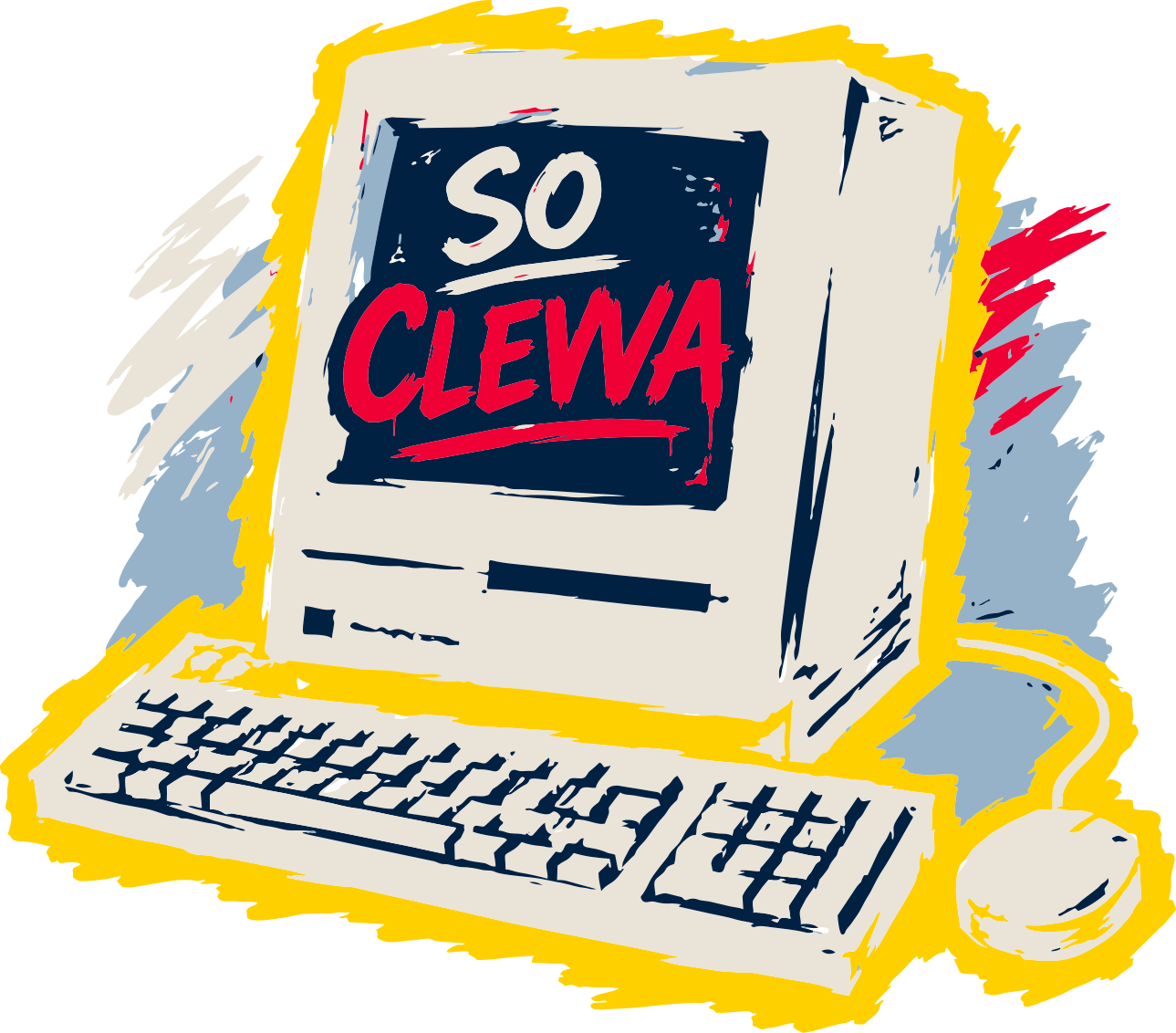































01 to 15 available in numbers/
08 · Ready-made
A polished, email-client-safe Sorted emailer sits in this pack, plus a full live newsletter system.
Table-based layout with inline styles only and hex colours, no flexbox, grid or CSS variables, because email clients do not support them. A beige logo on a navy header, an Antonio headline paired with Lato body copy, red or navy square buttons, and a footer with an unsubscribe link. Max width 600px, PNG logo so it renders in Outlook.
09 · Social
A starting point for Sorted on Instagram: how to show up, what to post, and the look. Rough on purpose, something to build on. We can plan the full thing (cadence, reels, hashtags, a first month of posts) whenever you want to delve in.
Finished projects, before-and-afters, the odd case study. Let the work do the talking.
Process, sketches, the messy middle. People love watching a thing come together.
Short, opinionated design thoughts in the Sorted voice. Reuse the blog angles: "A logo is not a brand."
The anniversary: old logos versus new, then-and-now, milestones, the story of the studio.
The clever, unglamorous automation wins. The differentiator almost no other studio posts.
Faces, the desk, Cape Town, the humans behind the work. Warmth and personality.
Project reveal · Rare Ritual
"Twenty small-batch products. One identity as considered as the formulations. Swipe."
Hot take · carousel
"A logo is not a brand. A brand is what people say about you when you leave the room."
20 years
"We have been doing this for twenty years. Some of it we are even proud of."
Intelligent systems
"We built a tool that fills in its own paperwork while you make coffee. Your Monday just got shorter."
10 · Work with Claude
Claude has a set of ready-made instructions built for how Sorted actually works: our tone, our pricing, our brand rules, our clients. Set it up once, then type one command and ask for what you need in plain English. Nothing to learn.
Everything lives in our shared Dropbox, so it is already on your Mac. You just point Claude at it once. Open Claude Code and paste this whole block in. Click the block to copy it.
Lorem ipsum dolor sit amet, consectetur adipiscing elit. Sed do eiusmod
tempor incididunt ut labore et dolore magna aliqua. Ut enim ad minim
veniam, quis nostrud exercitation ullamco laboris nisi ut aliquip ex ea
commodo consequat. Duis aute irure dolor in reprehenderit in voluptate
velit esse cillum dolore eu fugiat nulla pariatur. Excepteur sint occaecat
cupidatat non proident, sunt in culpa qui officia deserunt mollit anim id
est laborum. Sed ut perspiciatis unde omnis iste natus error sit voluptatem
accusantium doloremque laudantium, totam rem aperiam, eaque ipsa quae ab.
If /sorted does not appear straight after, close and reopen Claude Code once so it picks up the new command.
Type /sorted then say what you need, the way you would ask a colleague. Claude names the approach it is using in one line, then does the work. You never pick a tool or remember a name. A few to get you going:
/sorted write a follow-up to a client who has not paid
/sorted turn these rough notes into a proper proposal
/sorted price a monthly retainer for a mid-size client
/sorted draft a quote for a small website build
/sorted reply to this awkward client email for me
/sorted tell a client their timeline is slipping, kindly
/sorted write an out-of-scope note that protects billable time
/sorted look at this logo and tell me if it is working
/sorted is this packaging strong enough on shelf
/sorted help me name a new product range
/sorted give me a one-line positioning for this brand
/sorted plan the page structure for a new client site
/sorted write the copy for a services page
/sorted my Elementor layout breaks on mobile, what do I check
/sorted plan a week of Instagram posts for a client
/sorted give me a launch plan for a new product
/sorted write five caption options for this post
/sorted an image prompt that keeps the product label exact
/sorted direct a short product video, shot by shot
/sorted what do I check before sending artwork to print
/sorted draft a supplier email about a late print run
Client emails, proposals and quotes. Brand and design feedback. Websites and Elementor. Marketing, content and social. Product image and video prompts. Print, packaging and suppliers. Pricing and quote maths. A bigger job pulls in a few skills at once and tells you which before it starts.
If the first result is not quite right, just say so and ask it to try another way. You do not need exact wording, and you cannot break anything by asking. Because it reads the studio's own notes, answers should feel specific to Sorted and its clients, not generic. If something looks off, tell Willem so the notes get fixed once for everyone.
11 · Sign-off
Your Sorted email signature, ready to use. Open yours, select all (Cmd A), copy, then paste it into Mail → Settings → Signatures. The logo is embedded in the file, so it travels with the copy.
These are Sorted's brand assets, made to be seen, not swiped. Want a brand this considered for yourself? That part we'll happily hand over.